
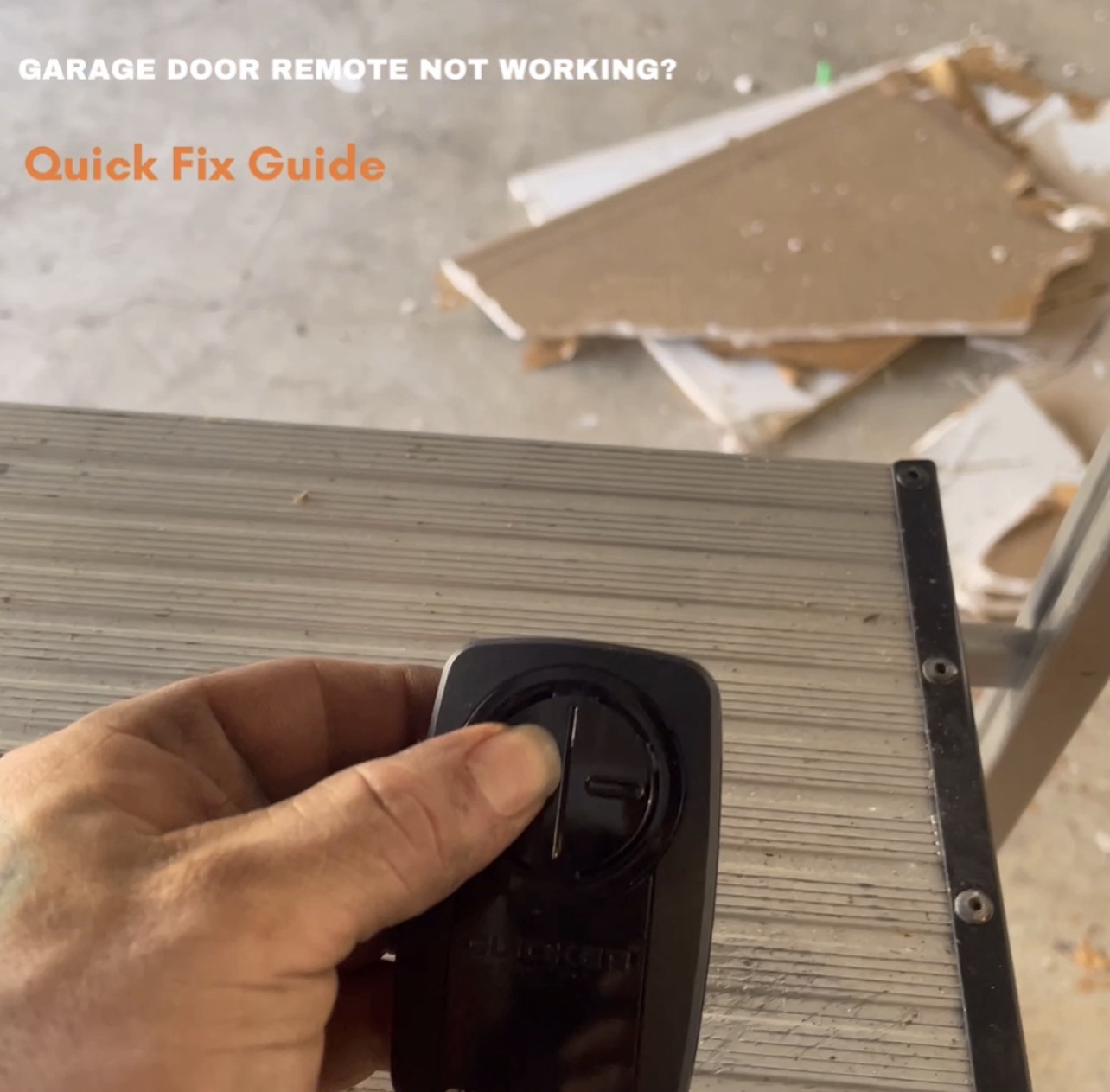
Step 1: Check the Batteries
It might sound obvious, but a dead battery is the most frequent culprit! Replace the batteries in your remote with fresh ones. Make sure they are inserted correctly according to the polarity markings.
Step 2: Clear Obstructions & Check the Antenna
Ensure there are no obstructions blocking the signal between your remote and the opener. Also, check the antenna wire hanging from your garage door opener motor unit. It should be hanging freely and not tangled or damaged. Sometimes simply repositioning it can improve reception.
Step 3: Reprogram the Remote
Remotes can sometimes lose their programming, especially after a power outage or battery change. Most garage door openers have a “Learn” or “Smart” button on the motor unit. Consult your opener’s manual for specific instructions, but generally, you’ll press this button and then press the button on your remote you wish to program.
Step 4: Check the Wall Console
If your remote isn’t working but the wall-mounted button inside your garage does, the issue is likely with the remote itself or its signal. If neither works, the problem might be with the opener unit or its power supply.
Step 5: Inspect the Safety Sensors
While not directly related to the remote, misaligned or obstructed safety sensors can prevent your door from closing, which might be mistaken for a remote issue. Ensure the photo-eye sensors on either side of your garage door opening are clean, aligned, and have an unobstructed path.
When to Call The Garage Door Guys:
If you’ve tried these steps and your remote (or door) is still not cooperating, it’s time to call in the professionals. There could be an issue with the opener’s circuit board, wiring, or another component that requires expert diagnosis and repair.
Don’t let a stubborn remote ruin your day! We’re here to help.
📞 (832)480-2781
🌐 the-garage-door-guys.com

